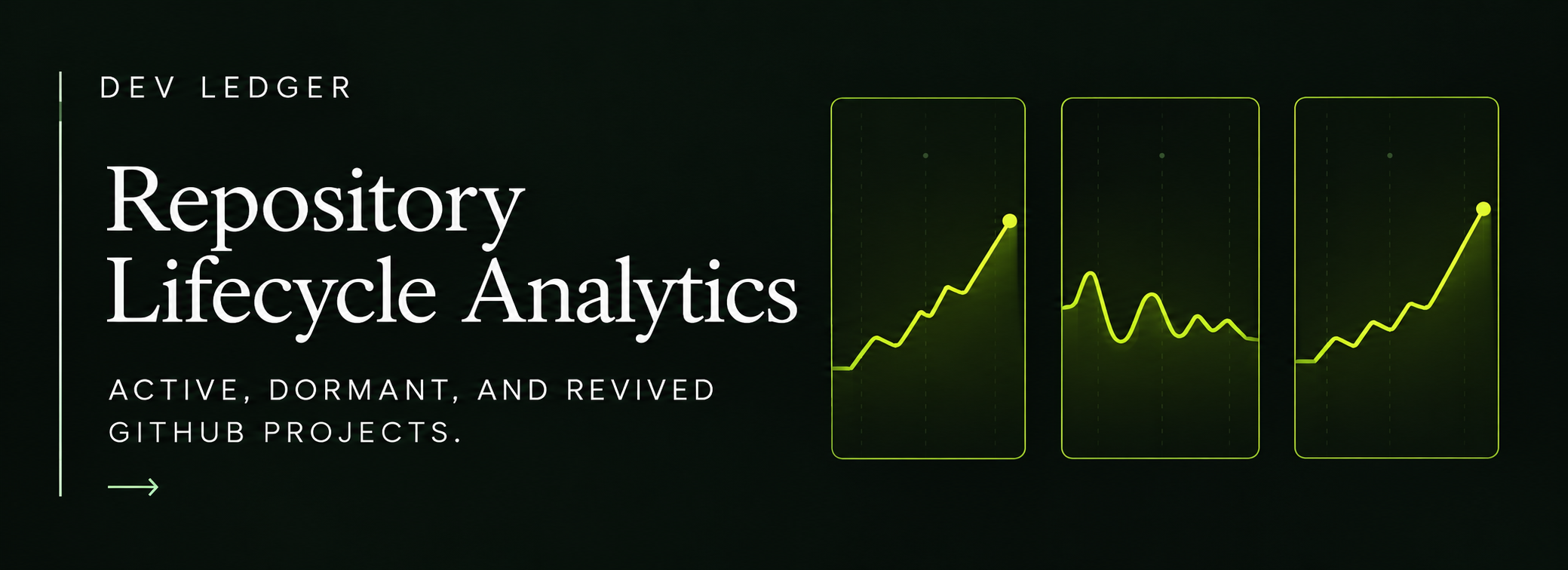
Repositories have lifecycles.
They start, accelerate, stabilize, go quiet, sometimes return months later, and occasionally disappear from active work entirely.
Most developer dashboards flatten those states into one list.
That loses one of the most useful parts of Git history: which projects are alive now, which are fading, and which have returned.
A repository is not equally active forever
A repository that received 400 commits two years ago and none this year is very different from one that received 25 commits this month.
If both appear in the same static repository list, the historical distinction disappears.
Lifecycle analysis restores it.
The goal is not to assign a permanent label to a project. It is to describe its current and historical activity state.
Start with activity recency
The simplest signal is the date of recent meaningful activity.
Useful fields include:
- date of most recent commit
- number of active days in the selected window
- commit count in the selected window
- additions and deletions
- pull-request activity
- whether the repository is archived
These can help distinguish a currently active project from an older one that remains visible but quiet.
Define lifecycle states carefully
There is no universal threshold for "dormant."
A personal project that updates once every three months may be healthy.
A production service that usually changes every day may be unusually quiet after two weeks.
That means lifecycle states should either be contextual or based on transparent rules.
A simple framework might include:
Newly active
The repository has its first meaningful activity within the recent period.
Active
It has sustained activity in the selected window.
Quiet
Activity exists, but at a noticeably lower cadence than its own recent history.
Dormant
There has been no meaningful activity for a longer interval.
Revived
A dormant or long-quiet repository has become active again.
Archived
The repository is explicitly marked as archived.
These labels describe state, not value.
Revival is often more interesting than raw activity
A revived repository tells you something changed.
Possible explanations include:
- a project resumed after a pause
- an older product received maintenance
- a dormant experiment became useful again
- a dependency required an update
- a migration returned attention to an earlier codebase
- a side project became active after months away
Revival can be an important milestone because it represents a change in project trajectory.
Compare each repository to its own baseline
Absolute thresholds are convenient but can be misleading.
Suppose Repository A normally receives 50 commits a month.
Repository B normally receives 2.
If both receive 2 commits this month, they should not necessarily be interpreted the same way.
A stronger lifecycle model compares recent activity with the repository's own historical cadence.
Questions include:
- Is activity above or below its usual range?
- How long has it been since the previous active period?
- Is the current burst sustained or isolated?
- Has the repository repeatedly gone dormant and returned?
This creates a more contextual picture.
Source change adds depth to lifecycle analysis
Commit count alone can make a maintenance repository look active.
A few dependency bumps may create regular commits without significant source change.
Additions, deletions, and code churn help distinguish:
- light maintenance
- active feature development
- major refactoring
- migration
- small administrative updates
Lifecycle status becomes more informative when it includes intensity.
Language shifts can mark new phases
A repository can enter a new lifecycle phase when its technical composition changes.
For example:
- a JavaScript project begins a TypeScript migration
- a new backend language appears
- infrastructure code becomes a larger share of the project
- an old implementation language starts disappearing
These changes can indicate that the repository is not merely "active" but entering a new development chapter.
For that, pair lifecycle data with language history.
Repository replacement is a lifecycle event too
Sometimes one repository does not simply become dormant.
It is replaced.
You may see:
- Repository A's activity falling
- Repository B starting shortly afterward
- similar languages or project purpose
- a transfer of development intensity
- no later revival of Repository A
That pattern can represent a rewrite, successor project, split architecture, or product migration.
Account-level history is useful because it lets you see those transitions across repositories rather than treating each project independently.
Archived is not the same as dormant
An archived repository carries an explicit signal from its owner.
A dormant repository may simply be quiet.
That distinction matters.
Archived often means:
- read-only historical record
- project intentionally retired
- development moved elsewhere
- maintenance has ended
Dormant means only that recent activity is absent.
Do not infer retirement from inactivity alone.
New repositories can distort account-level trends
A new large repository can change many aggregate metrics at once.
You may see:
- more commits
- higher source growth
- a new language
- more active days
- different time-of-day patterns
- a large change in total churn
Without repository lifecycle context, the account-level charts can look like a sudden behavioral change.
In reality, a new project simply entered the portfolio.
Lifecycle analysis works best with timelines
A useful repository timeline might mark:
- first observed activity
- first sustained active period
- major growth phase
- quiet period
- dormancy
- revival
- archive date
- major language shift
This converts a repository from a row in a table into a historical object.
Dormancy thresholds should be transparent
If a tool labels projects "dormant," it should make the basis understandable.
For example:
- no commits for 90 days
- no active days for two selected periods
- activity below a fraction of the repository's prior baseline
Users should be able to tell whether a label comes from a fixed rule or an adaptive comparison.
Opaque lifecycle labels risk looking more authoritative than they are.
A practical lifecycle review
For each repository:
- Identify first and latest activity.
- Count active days in the recent window.
- Compare recent commits with the repository's historical baseline.
- Check source growth and churn.
- Note language changes.
- Mark long inactive gaps.
- Detect whether activity resumed after those gaps.
- distinguish archived state from ordinary dormancy.
- Compare lifecycle transitions across repositories.
This reveals where the developer's attention is moving.
Project history is often more useful than project inventory
A repository inventory answers:
What projects exist?
Lifecycle analytics answers:
What happened to them?
That second question is usually more revealing.
It shows which ideas endured, which were replaced, which returned, and which became the center of development.
That is why Dev Ledger treats project evolution as a first-class part of developer history rather than a static repository list.
For the broader context, see What the GitHub Contribution Graph Doesn't Show and How to Analyze Your GitHub Development History.